How do I download and install Simple MacOptimizer?
Downloading and installing Simple MacOptimizer is easy!
Just follow these few steps, and you’ll be up and running in no time.
- You can download the Simple MacOptimizer installer from here or by visiting our website.
- The installer you download will be called Simple MacOptimizerSetup.dmg.
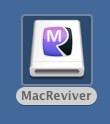
- Double click the Simple MacOptimizerSetup.dmg file to open the installer. You can also double click the Simple MacOptimizer image file on your desktop.
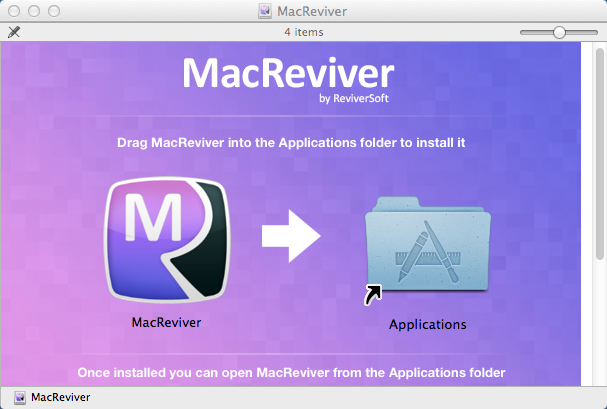
- In the window that appears, drag and drop the Simple MacOptimizer app into the Applications folder to complete the installation:
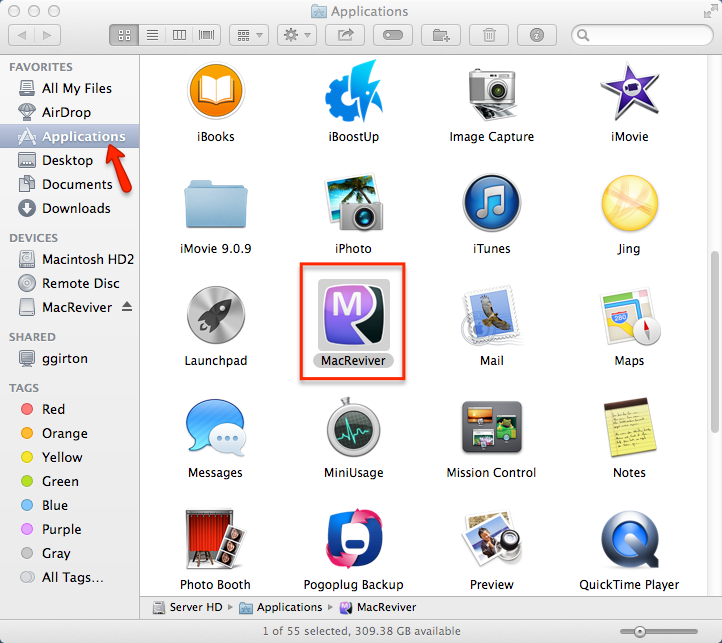
- Once the installation is complete, you can go into the Applications folder to launch Simple MacOptimizer.
- We hope you enjoy using Simple MacOptimizer on your Mac!